Black Friday Email Sequence: Teaser, Launch, Last Chance (Template)
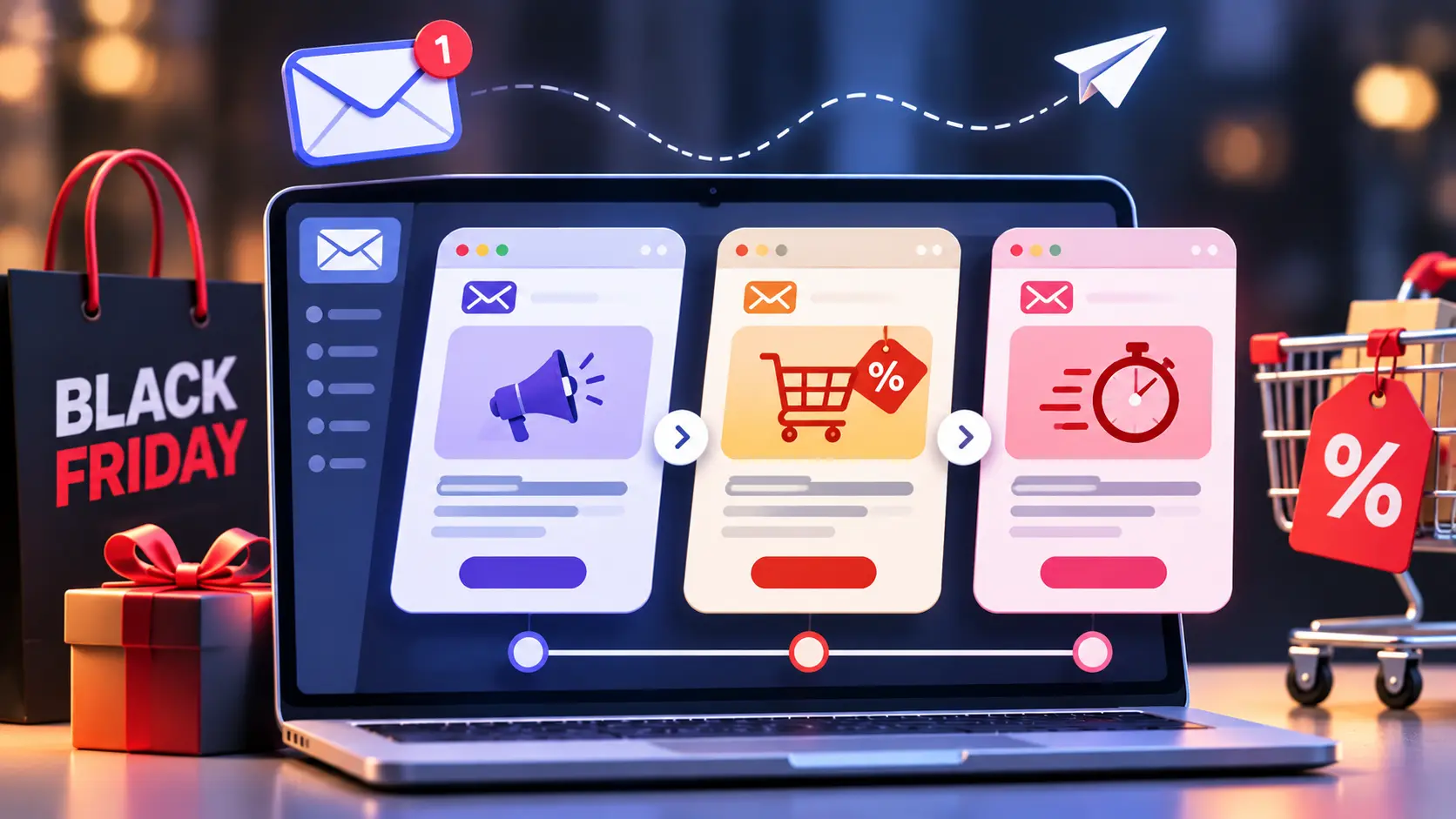

A Black Friday email sequence works best as three connected stages: a teaser phase that builds an early-access list, a launch phase that opens the sale, and a last chance phase that closes it with a real deadline. For 2026, that means roughly eight sends between Monday, November 16 and Tuesday, December 1, built around Black Friday on November 27 and Cyber Monday on November 30.
In this article21 sections
The inbox is where much of this season is won or lost. Adobe Analytics reported that US shoppers spent a record $11.8 billion online on Black Friday 2025 and $14.25 billion on Cyber Monday, and that Black Friday growth (9.1%) beat Cyber Monday growth (7.1%) for the second year running because retailers pushed deals earlier. Klaviyo reported that email and text drove 42% of total revenue across its customers during the five-day window. That figure comes from one vendor’s customer base, so treat it as directional, not universal.
This guide gives you the calendar, a copy-and-adapt template for each stage, subject line formulas, a method for choosing send times, and the deliverability checks that protect the whole sequence.
What Is a Black Friday Email Sequence?#
A Black Friday email sequence is a pre-planned series of promotional emails sent before, during, and just after Black Friday and Cyber Monday. It moves subscribers through three stages: teaser (build anticipation), launch (announce the offer), and last chance (close with a deadline), with each message adjusted to what the subscriber has already done.
The advantage over a single blast is that every email has one job. A teaser never has to sell. A last chance email never has to explain the offer. And because the sends are connected, you can suppress buyers from later emails instead of nagging people who already bought.
Your 2026 BFCM Email Calendar#
Here is a working BFCM email calendar you can paste into your planning sheet. Dates assume a US-style Black Friday on November 27, 2026. Shift everything if your sale runs on different dates.
| Date | Stage | Goal | |
| Mon, Nov 16 | Teaser | Date announcement and early-access signup | Grow your VIP segment |
| Thu, Nov 19 | Teaser | Sneak peek of categories or hero deals | Build anticipation |
| Tue, Nov 24 | Early access | VIP preview with the offer live for the segment only | Capture early demand |
| Fri, Nov 27 | Launch | Black Friday offer live | Peak revenue day |
| Sun, Nov 29 | Reminder | Weekend reminder to non-buyers | Re-engage openers who did not purchase |
| Mon, Nov 30 (morning) | Launch | Cyber Monday deals, ideally with something new | Second wave of demand |
| Mon, Nov 30 (evening) | Last chance | Final hours | Close the sale |
| Tue, Dec 1 | Wrap-up | Thank-you or short extension | Bridge to retention |
One rule applies to every row: remove anyone who has purchased from the remaining promotional sends.
Stage 1: Teaser Emails#
How Early Should You Send a Teaser Email?#
Send the first teaser email about 10 to 14 days before Black Friday and a second one roughly a week out. Two teasers are enough for most lists. More than that risks fatigue before the sale has even started, and fatigue shows up as unsubscribes and spam complaints.
Teaser email timing matters because shoppers now start early. A sequence that begins only on Friday arrives after some of your audience has already decided.
Give each teaser a distinct job:
- Teaser 1: Announce the date and offer a reason to join an early-access list, which gives you a segment of motivated buyers.
- Teaser 2: Show, don’t tell. Feature a hero product, a gift guide, or a category without revealing the full price if your margins are tight.
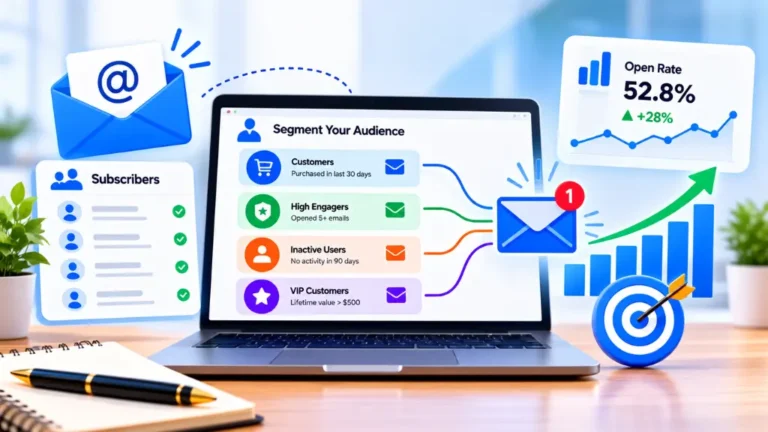
Who gets early access? Past purchasers and anyone who clicked in the last 90 days are sensible starting points. Search Savvy’s guide to email list segmentation strategies covers how to build those behaviour-based groups before you schedule anything.
Sample teaser subject lines: “Black Friday starts November 27. Get in early.” and “Your early access link is ready.”
The structure mirrors Search Savvy’s festive email sequence template for D2C brands, so you can reuse segments and creative blocks across both campaigns.
Stage 2: Launch Day Emails#
What Should a Launch Day Email Include?#
A launch day email should lead with the offer, state the end date, and give one clear button. Put the discount or hero deal in the first line, repeat it in the subject line, and send readers to a dedicated sale page rather than your homepage.
A visitor who lands on a generic homepage has to start browsing again, while a focused sale page carries the email’s promise straight through. The festive landing page design checklist covers the elements that keep urgency intact on mobile.
Launch Day Email Subject Line Formulas#
Most inboxes truncate long subject lines on phones, so front-load the offer. Use preview text to add the second detail, such as the deadline or the code.
| Formula | Example | Best used for |
| Offer first | Black Friday is live: 30% off sitewide | Broad sales |
| Deadline led | Black Friday pricing ends Monday at midnight | Sales with a hard end |
| Category specific | Black Friday: 40% off running shoes | Segmented sends |
| Access based | You’re in: early access starts now | VIP and loyalty segments |
| Curiosity (sparingly) | The one deal we won’t repeat | Limited-quantity offers |
Avoid all caps, stacked exclamation marks, and fake “Re:” prefixes. They hurt trust.
On Cyber Monday, resist the urge to resend Friday’s email. Lead with something new, such as a fresh category, a bundle, or a different incentive, so subscribers who ignored Friday have a reason to look again.
Stage 3: Last Chance Urgency Emails#
How Do You Write a Last Chance Email Without Sounding Spammy?#
Use a real deadline, say exactly what ends, and send it late enough to matter, usually the evening before the offer expires or within its final hours. Keep it short: one headline, one benefit, one button. Never restart a countdown that you called final.
A last chance urgency email only works if the urgency is true. Subscribers learn quickly when “final hours” returns the next morning. Fake scarcity can also raise consumer-protection issues in some markets, so check what applies where you sell.
Sample subject lines: “Final hours: Black Friday pricing ends at midnight” and “Ends tonight: the cart you left is still saved.”
Send the last chance email to non-buyers only. Cart abandoners deserve a variant that mentions their saved items, which should align with your abandoned cart email sequence.
Email Send Time Optimization#
What Is the Best Time to Send Black Friday Emails?#
There is no universal best time. Treat morning sends for launch emails and evening sends for last chance emails as starting hypotheses, then let your own data overrule them. Look at when your subscribers click and buy, not just when they open.
Opens are the weakest signal here. Apple Mail Privacy Protection preloads email content, which inflates open counts and makes send-time reports built on opens unreliable. Clicks and revenue per recipient hold up better.
A practical method for email send time optimization:
- Pull your last 90 days of clicks and orders by hour and weekday, plus last year’s BFCM data if you have it.
- Choose two candidate windows and split-test them on a teaser send, where the stakes are low.
- Lock in the winner for launch and last chance emails.
- If your list spans time zones, schedule by recipient local time when your platform supports it.
- Stagger very large sends in batches so you can watch complaint rates before the rest goes out.
Check Deliverability Before You Schedule Anything#
A great sequence is worthless if it lands in spam. Google’s sender guidelines for bulk senders (generally those sending about 5,000 or more messages a day to Gmail accounts) require SPF, DKIM, and DMARC authentication, easy one-click unsubscribe for promotional mail, and a user-reported spam rate below 0.3%, with 0.1% as the level to aim for.
Before November 16:
- Authenticate your sending domain and confirm one-click unsubscribe works.
- Suppress long-inactive subscribers or run a quick re-engagement send.
- Ramp volume gradually if you normally send weekly.
- Watch Google Postmaster Tools during the sale.
Copy-and-Use Template Skeleton#
| Subject pattern | Body skeleton | |
| Teaser 1 | Black Friday starts [date]. Get in early. | One line on the date, one line on the perk, button to join early access |
| Teaser 2 | Something is coming for [category] fans | One hero image, two lines of intrigue, button to preview |
| Early access | You’re in: early access starts now | Offer, end time, button to sale page |
| Launch | Black Friday is live: [offer] | Offer, three featured products, deadline, one button |
| Reminder | Still thinking it over? [offer] ends [day] | Best sellers, social proof, button |
| Cyber Monday | Cyber Monday: [new deal] | What is new today, deadline, button |
| Last chance | Final hours: [offer] ends tonight | Single headline, deadline, button |
| Wrap-up | Thank you, and one more day | Gratitude, short extension or next steps |
Mistakes That Weaken a Black Friday Email Sequence#
- Sending everyone everything. Buyers should drop out of sale emails immediately.
- Teasing without a date. A teaser needs a concrete “when.”
- Judging success by opens. Track revenue per recipient, click-to-open rate, conversion rate, unsubscribes, and spam complaints for each send.
- Linking to the homepage. Send people to the deal.
- Ignoring the day after. Search Savvy’s article on post-festive email retention helps you plan the weeks that follow.
Frequently Asked Questions#
How many emails should you send for Black Friday?#
Most brands do well with six to ten sends across the two weeks around the sale, as in the calendar above. If unsubscribes or complaints climb, cut volume before cutting quality.
Should you email on Thanksgiving Day?#
For US audiences, many marketers skip it or send one light reminder; test against your own engagement history. Elsewhere, it is just another Thursday.
What is the difference between Black Friday and Cyber Monday emails?#
Black Friday emails announce the main sale and carry the broadest offer. Cyber Monday emails should bring something new, such as online-only deals or a different bundle, and are often more digital and gift-oriented in tone.
How do you avoid unsubscribes during BFCM?#
Segment so people only get relevant sends, suppress buyers, offer a “fewer emails during the sale” preference, and keep the unsubscribe link obvious. A visible exit costs less than a spam complaint.
Should you add SMS to your Black Friday email sequence?#
Text can complement email, especially for last chance reminders, but only for subscribers who opted in. Klaviyo reported that text revenue grew 25% year over year across its customers in 2025, though that is vendor data from one platform.
Your Next Step#
This week, build your VIP and non-buyer segments, write the eight emails from the skeleton above, verify authentication, and schedule the first teaser for November 16.
If you also run paid campaigns around the sale, Search Savvy’s guide to retargeting ads strategy for festive shoppers shows how to keep ads and emails telling the same story.