Google Business Profile Checklist Before Diwali 2026

Diwali’s main Lakshmi Puja day falls on Sunday, 8 November 2026, and the wider festival runs from Dhanteras on 6 November to about 10 November, with exact days varying by region and panchang. That is roughly seven weeks away. It is also when customers check Google to see who is open, who has fresh reviews, and who is worth the trip.
In this article17 sections
This Google Business Profile checklist puts the work in order: verification first, core details second, festive hours third, then photos, posts and reviews. The short version: fix accuracy now, set special hours by mid-October, and never mark a short holiday closure as “temporarily closed.” It applies equally to Indian businesses abroad and shops at home, since both face the same festive window.
What Should a Google Business Profile Checklist Include Before Diwali?#
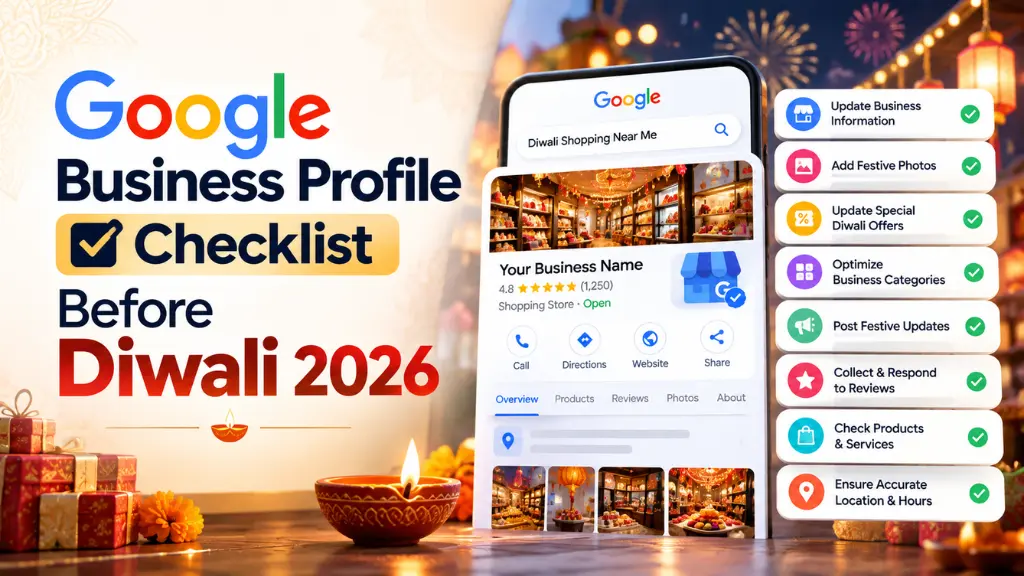
A Google Business Profile checklist before Diwali should cover six things: confirm verification, correct core details, set special hours for each festive day, refresh photos and posts, build recent reviews and reply to them, then review performance afterward. Work in that order, starting about seven weeks before 8 November.
| When | Task | Why it matters |
| Now to early October | Check verification, name, address, category, phone | Errors here block edits or weaken matching |
| By mid-October | Set special hours for every festive date | Customers check hours before travelling |
| Late October | Add photos, offers and posts | Festive searches ramp up |
| Ongoing | Ask for reviews and reply to all | Trust and prominence |
| Mid-November | Review performance, confirm normal hours | Learn for 2027 |
Step 1: Confirm Your GBP Verification and Ownership#
GBP verification proves you control the listing. Log in and confirm the profile shows as verified, that the right Google account owns it, and that former employees or agencies no longer have access.
Verification options vary by business, and video is now commonly requested. Third-party guides such as Bluehost’s report video reviews taking up to five business days, so start now rather than in November. Never share a verification code with anyone.
Timing matters for another reason. Google’s help notes that changes to your business info may require re-verification. Avoid renaming, moving or changing your category in the weeks before Diwali unless you must.
Step 2: Tighten the Core Details Behind Local Pack Ranking#
How Does Local Pack Ranking Work?#
Google says local results rely primarily on relevance, distance and prominence. Relevance is how well your profile matches the search, distance is how far you are from the searcher, and prominence is how well known you are, based partly on reviews and links from other websites.
Google’s local ranking guidance adds that complete, accurate information helps you appear in relevant searches. You cannot change distance, so GBP optimization mostly means improving relevance and prominence:
- Name: use your real-world business name. Adding “Best Diwali Gifts” or city keywords invites trouble.
- Category: choose the narrowest accurate primary category, then add secondary ones.
- Contact details: keep address, phone and website identical on your profile, site and social pages.
- Services, description and attributes: list what you sell and details such as parking.
Accuracy matters beyond Google’s own results. BrightLocal found that 45% of consumers now use AI tools such as ChatGPT for local recommendations, up from 6% a year earlier, and it advises keeping listings and websites accurate because those tools draw on them.
For plain-English definitions of terms like local pack, Search Savvy’s SEO glossary is a handy reference.
Step 3: Make Your Festive Hours Update Correctly#
How Do You Set Holiday Business Hours on Google?#
Open your Business Profile, choose Edit profile, then Hours, and select Special hours. Add each date, uncheck “Closed” and enter times if you are open, or leave it checked if you are closed, then save. Special hours override your regular hours only on those dates.
Google’s special hours guide sets several rules worth knowing:
- Special hours cover adjusted hours or closures of up to six days in a row. For seven or more days, or an unknown period, mark the business Temporarily closed.
- Your main hours must be set to “Open with main hours” for special hours to show.
- Confirm hours for official holidays even when they match your regular hours.
- You can add several sets of hours to one date, but each set cannot exceed 24 hours.
- Multi-location businesses can add special hours through a bulk spreadsheet.
Diwali rarely means one uniform day, so set each date on its own. This illustrative schedule for a sweet shop shows the idea; use your own timings.
| Date (2026) | Festival day | Example setting |
| 6 Nov | Dhanteras | Extended hours for gifting rush |
| 7 Nov | Naraka Chaturdashi | Regular hours |
| 8 Nov | Lakshmi Puja | Two sets: open midday, closed for evening puja |
| 9 Nov | Govardhan Puja | Closed or late opening |
| 10 Nov | Bhai Dooj | Regular hours |
After saving, check the public listing, since changes may not appear instantly. Then match the same hours on your website and social profiles.
Step 4: Refresh Photos, Posts and Website Details#
Customers judge a profile in seconds. Upload current photos of your entrance, festive displays and popular products, and remove anything outdated.
Use Business Profile posts for dated offers and events, and plan them alongside a festive content calendar so your posts, social channels and shop signage tell one story. Microsoft Advertising’s analysis of India’s 2023 festive season found generic searches such as “sale,” “offers” and “near me” grew about 19% month over month on average. That is Bing data from a past season, but it suggests using those plain words naturally in post copy.
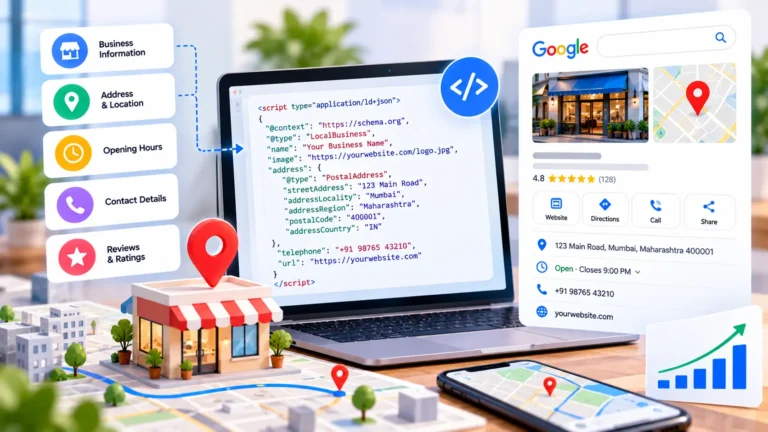
Your website matters too. BrightLocal’s 2026 survey found 54% of consumers visit a business’s website after reading positive reviews. Make sure the site shows the same festive hours and contact details, and consider adding structured data with Search Savvy’s free local business schema generator so details stay consistent.
Step 5: Build Review Momentum and Reply Fast#
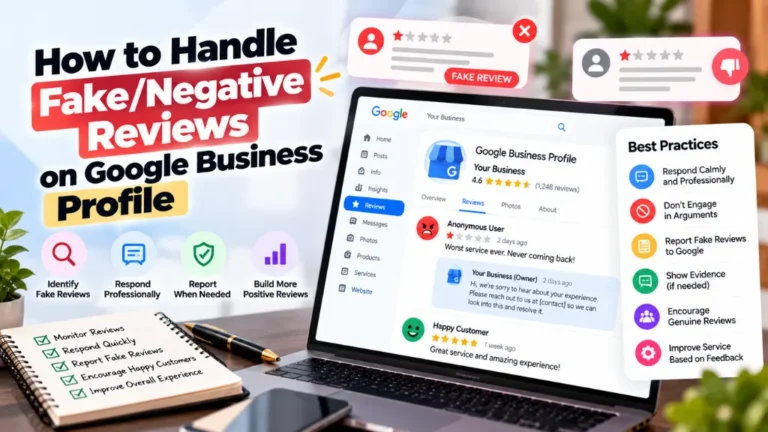
Google says more reviews and positive ratings can improve local ranking. Shoppers care too. As BrightLocal’s CEO Myles Anderson put it, “Reviews are stable, sticky, and more important than ever.”
BrightLocal’s 2026 survey of 1,002 US adults found:
- 47% will not use a business with fewer than 20 reviews.
- 74% only care about reviews written in the last three months.
- 80% are more likely to use a business that replies to all its reviews, and 50% are put off by templated replies.
- 19% expect a same-day reply, and 81% expect one within a week.
This is a US sample, so treat it as directional for other markets. In practice: ask every buyer for a review at the counter or by WhatsApp, share a direct review link or QR code, and reply personally within a day or two. Never offer discounts for reviews; BrightLocal notes incentives break platform guidelines. A reputation monitoring service can help larger teams keep up with replies.
Common Mistakes to Avoid#
- Marking the business Temporarily closed for a short holiday. Use special hours unless you will be closed seven days or more.
- Editing core details at the last minute. Changes can trigger re-verification.
- Leaving hours inconsistent. Google, your website and social pages should agree.
- Stuffing keywords into the business name. Use your real name.
- Forgetting to check the live listing. Confirm the festive hours appear publicly.
Frequently Asked Questions#
When Should I Update Holiday Hours for Diwali?#
As soon as your schedule is settled, ideally by mid-October. Google recommends confirming holiday hours even when unchanged. Early updates give customers time to plan and leave room to fix mistakes before the Dhanteras rush begins on 6 November.
Should I Mark My Business Temporarily Closed for Diwali?#
Usually not. Google says special hours suit adjusted hours or closures of up to six days in a row. Use Temporarily closed only if you will be shut for seven or more days, or for an unknown period.
How Long Does GBP Verification Take?#
It depends on the method Google offers. Some steps are quick, while third-party guides report video review taking up to five business days. Google may ask for more than one method, so begin at least three weeks before the festival.
Can I Set Different Hours for Each Diwali Day?#
Yes. Special hours are set per date, and you can add multiple sets of hours to one date, for example a midday shift and an evening reopening. Each set must stay within 24 hours.
Do Special Hours Improve Local Pack Ranking?#
Google does not describe special hours as a ranking boost. Its guidance stresses complete, accurate information plus relevance, distance and prominence. Correct hours still protect you from wasted trips and negative reviews.
How Can I Get More Google Reviews Before Diwali?#
Ask every customer, make it easy with a direct link or QR code, and reply to each review quickly. Do not offer incentives. Recent reviews matter, so ask continuously through the festive season rather than in one burst.
The Bottom Line#
Before Diwali, a strong Business Profile comes down to accuracy, timing and trust: verified ownership, correct details, festive hours set per date, fresh photos and posts, and a steady stream of recent, answered reviews. Your next step is simple. Open your profile this week, check verification, and schedule special hours for 6 to 10 November before mid-October. If you want help auditing your listing, Search Savvy’s local SEO services are a good starting point, and Mumbai businesses can also explore SEO services in Mumbai.