Multi-Location SEO: Managing Google Business Profiles at Scale

Multi-location local SEO works when every real branch has one verified Google Business Profile, one genuinely distinct landing page, and one trusted source of data behind both. Most problems at scale come from the opposite: duplicate profiles created by old agencies, hours that differ between Google and the website, and city pages that change only the place name. Google’s own documentation draws clear lines on all three. This guide turns those rules into an operating system you can run across 10, 100 or 1,000 locations.
In this article18 sections
What is multi-location local SEO?#
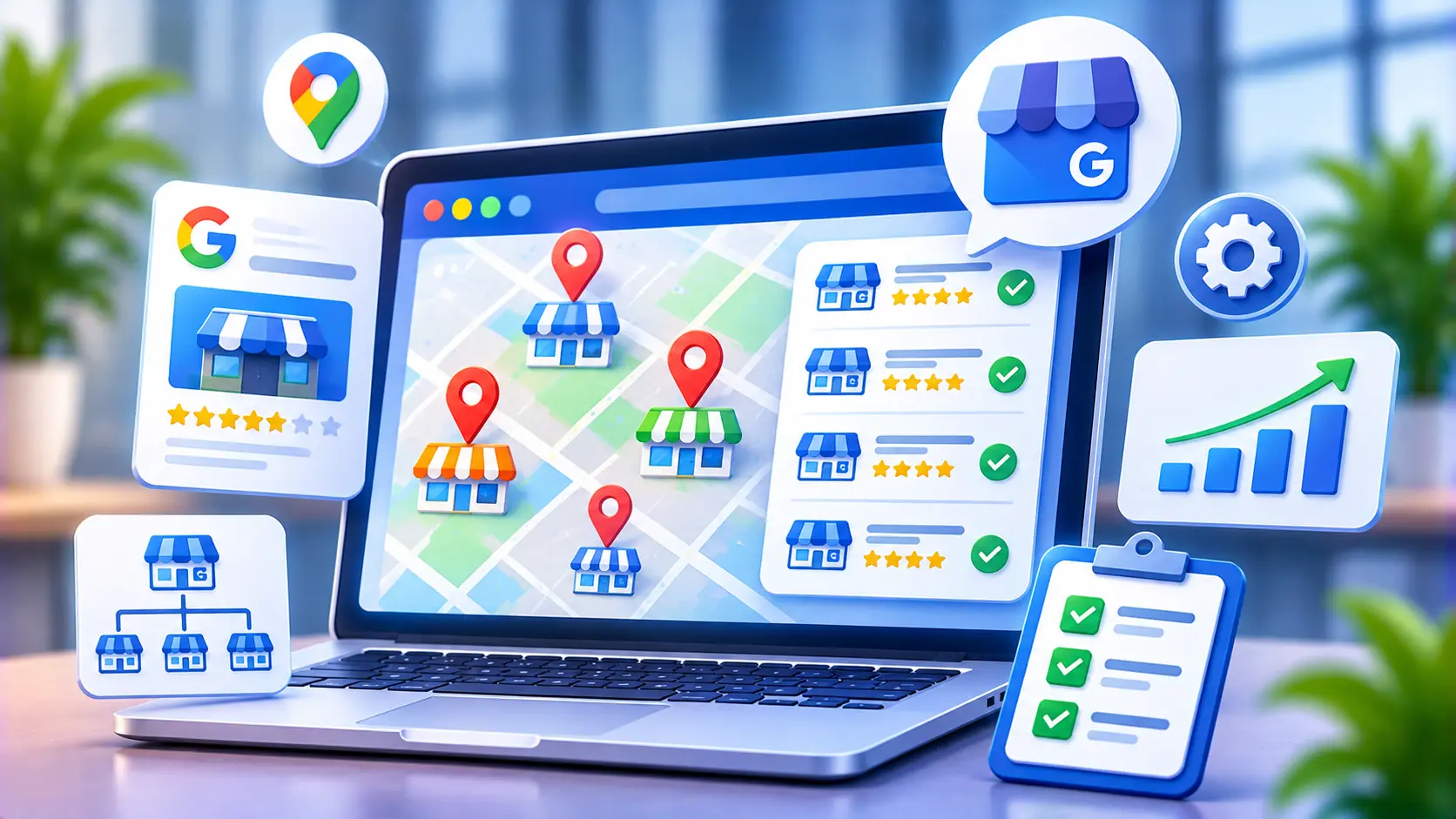
Multi-location local SEO is the practice of improving local search visibility for a business with several physical branches. It combines Google Business Profile management, location-specific web pages, structured data, consistent business information and review handling, so each branch can appear for nearby searches without competing against the others.
How do you manage Google Business Profiles at scale?#
Use a single spreadsheet of approved location data, manage profiles through business groups, and apply bulk verification once you reach ten locations. Google lets businesses with 10 or more locations of the same business manage their information in bulk, which replaces one-by-one postcard or phone verification.
Google’s bulk verification help page sets out several rules worth knowing before you start:
- The spreadsheet must include 10 or more profiles from the same business, and agencies with more than one business in one account cannot bulk verify.
- Duplicate, suspended or disabled profiles do not count toward the minimum.
- The spreadsheet should contain every profile you manage.
- Uploading a spreadsheet does not send a verification request. You must submit the request separately.
- Google can revoke bulk verification if an account abuses it.
Service-area businesses without customer-facing locations are generally treated differently, so check the current eligibility text before you plan.
GBP bulk management checklist#
- Build one master sheet. Include store code, exact name, address, phone, primary category, hours, website URL and opening date for every branch. This becomes your source of truth.
- Clean before you upload. Resolve duplicates and suspended profiles first, since they can block verification.
- Separate global and local fields. Bulk-edit what should be identical, such as brand description, categories and holiday notices. Leave photos, posts and Q&A to local teams.
- Assign roles. Give each manager access to their own locations only, and keep brand ownership at head office.
- Document an offboarding step. When a manager or agency leaves, access should be removed the same day.
What should a location page template include?#
A location page template should give each branch its own URL with details that only that branch can offer: exact address, local hours, phone number, map, parking and directions, local team, services or inventory available there, and reviews and photos from that site. Everything must match the branch’s Google profile exactly.
Without that variation, the template becomes a risk. Google’s spam policies define doorway abuse to include pages targeted at specific regions or cities that funnel users to one page, and substantially similar pages that act more like search results than a browseable hierarchy. A template applied to 200 real branches, each with different data, is a different thing from 200 pages that swap a city name.
| Element | Purpose | Must be unique? |
| H1 and title with brand plus area | Matches how people search | Yes |
| Name, address, phone (NAP) | Consistency with the profile | Yes, and identical to GBP |
| Hours and holiday notes | Accuracy and trust | Yes |
| Map, directions, parking | Helps visits | Yes |
| Local team or manager | Real-world proof | Yes |
| Branch-specific services, offers or stock | Distinct value | Yes |
| Local reviews and photos | Social proof | Yes |
| Local FAQs | Answers real branch questions | Yes |
| Links to nearby branches | Helps navigation | Partly |
| Booking or contact call to action | Conversion | Can be shared |
Point each profile’s website field to its own location page, not the homepage. Build a crawlable store-locator hub in plain HTML links, organized by country, state and city, so Google can reach every branch without needing to fill in a search form.
How do you add location-specific schema?#
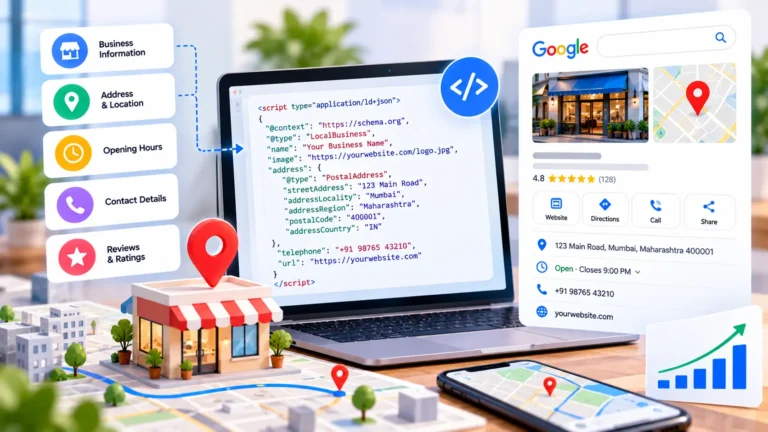
Add LocalBusiness structured data to each location page with that branch’s own address, phone, coordinates and hours, and connect it to the parent brand. The markup should match the visible page and the Google profile, since Google’s LocalBusiness documentation recommends using the most specific business type available.
A simplified example using placeholder data:
{
“@context”: “https://schema.org”,
“@type”: “LocalBusiness”,
“@id”: “https://www.example.com/locations/pune/koregaon-park/#branch”,
“name”: “Example Brand Koregaon Park”,
“telephone”: “+91-20-0000-0000”,
“address”: {
“@type”: “PostalAddress”,
“streetAddress”: “12 Sample Road”,
“addressLocality”: “Pune”,
“addressCountry”: “IN”
},
“openingHours”: “Mo-Sa 09:00-20:00”,
“parentOrganization”: {
“@type”: “Organization”,
“name”: “Example Brand”,
“url”: “https://www.example.com/”
}
}
Never copy one block of markup across every location. Search Savvy’s local business schema generator can produce a base for each branch, and its schema markup validator will catch syntax errors before you publish.
How do you prevent duplicate Google Business Profile listings?#
Create each profile once, centrally, from your master sheet, and check for an existing profile before adding any location. Google’s guidelines state plainly that “There should only be one profile per business.” They also tell merchants not to create more than one profile for each location, whether in one account or several.
Duplicates usually come from relocations, rebrands, franchise handovers, past agencies and staff who create profiles without telling head office. Google says that if your business relocates you should not create a new profile, and that offering different services does not justify separate profiles.
To fix a duplicate:
- Search Maps by phone number and address to find every profile for the location.
- Decide which to keep by comparing reviews, photos and verification status.
- If you own both, remove the duplicate or request a merge. Removing a profile deletes its content and linked managers, so choose carefully.
- If you do not own it, suggest an edit on Google Maps to report a duplicate. Google says merge requests are reviewed, and that when profiles merge, reviews are combined but replies to reviews may be lost.
Prevention is cheaper than cleanup. A short SOP, central ownership and a monthly check of “profiles marked as duplicate” will avoid most of it. If you suspect the problem is widespread, a full website audit can help separate site-level problems from listing-level ones.
Who controls what in franchise SEO?#
In franchise SEO, the brand should own the profiles and the website structure, while franchisees contribute local facts and content. This avoids the worst scenario: a franchisee owning the only verified profile for a branch, then leaving with it.
| Area | Brand (head office) | Franchisee or local manager |
| Profile ownership and verification | Owns | Manager access only |
| Name, category, brand description | Controls | Requests changes |
| Hours and holiday updates | Sets rules | Updates promptly |
| Location page template | Builds and approves | Supplies local content |
| Photos and posts | Sets guidelines | Uploads real local material |
| Review replies | Provides tone and escalation rules | Replies quickly |
Reviews are the other scaling challenge. Ask every customer, never offer rewards, and respond in a consistent but human voice. Google’s contribution policy is the rulebook, and it applies to every branch equally.
How do you measure performance across locations?#
Measure each branch separately, then roll up. Track calls, direction requests and website clicks from the profile, then compare landing-page conversions in Google Analytics for each location page. Add UTM parameters to each profile’s website link so profile traffic is not mixed with other organic visits.
Look for patterns across branches. If one location has strong reviews and weak calls, check its categories and hours. If a whole region underperforms, check page content and local links. Enterprise-scale rollouts often need a dedicated approach, which Search Savvy’s enterprise SEO services page describes.
A practical rollout plan#
| Phase | Focus | Output |
| Days 1 to 30 | Audit profiles, find duplicates, build master sheet | Clean data and ownership map |
| Days 31 to 60 | Bulk verify, fix categories and hours, set roles | Verified, consistent profiles |
| Days 61 to 90 | Launch location pages, schema and review process | Live templates and reporting |
Common mistakes to avoid#
- Creating a new profile after a move. Update the existing one instead.
- Letting a franchisee or agency own the profile. Keep ownership with the brand.
- Cloning city pages. Real local data must differ on every page.
- Pointing every profile to the homepage. Link each branch to its own page.
- Copying one schema block everywhere. Each page needs its own markup.
- Ignoring suspended or duplicate profiles. They can block bulk verification.
- Updating hours only on the website. Google profiles and pages should change together.
Frequently asked questions#
How many locations do you need for bulk verification?#
Google requires 10 or more profiles from the same business. Duplicate, suspended or disabled profiles do not count toward that minimum, and agencies managing several businesses in one account cannot bulk verify.
Should every location have its own page on the website?#
Yes, if it is a real branch with its own address and profile. The page needs unique local information. Do not create pages for areas where you have no physical presence just to capture searches.
Can two locations share one Google Business Profile?#
No. Google’s guidelines say not to create more than one profile per business or more than one page per location. Each real, eligible branch gets its own profile, and one branch should not have several.
What happens if I merge duplicate profiles?#
Google says reviews between merged profiles are combined, but replies to reviews may be lost. Review both profiles first, and note that requests are subject to review.
Is location schema a ranking factor?#
Not directly. Structured data helps Google understand your business details and supports consistency, but it does not guarantee higher rankings. Keep it accurate and matched to the visible page.
Who should manage Google Business Profiles for a franchise?#
The brand should own the profiles and set standards, while local managers handle day-to-day updates. This protects continuity if a franchisee, employee or agency changes.
Bottom line#
Multi-location local SEO is mostly a data and governance problem: one clean master record, one profile and one distinctive page per branch, and clear ownership. Your next step is small. Export every location you manage, search Maps for duplicates, and mark which profiles are verified and who controls each. If you would like a second pair of eyes on the structure, Search Savvy’s local SEO services team can help you map out where to start.