Black Friday Social Media Countdown Campaign: A 7-Day Template
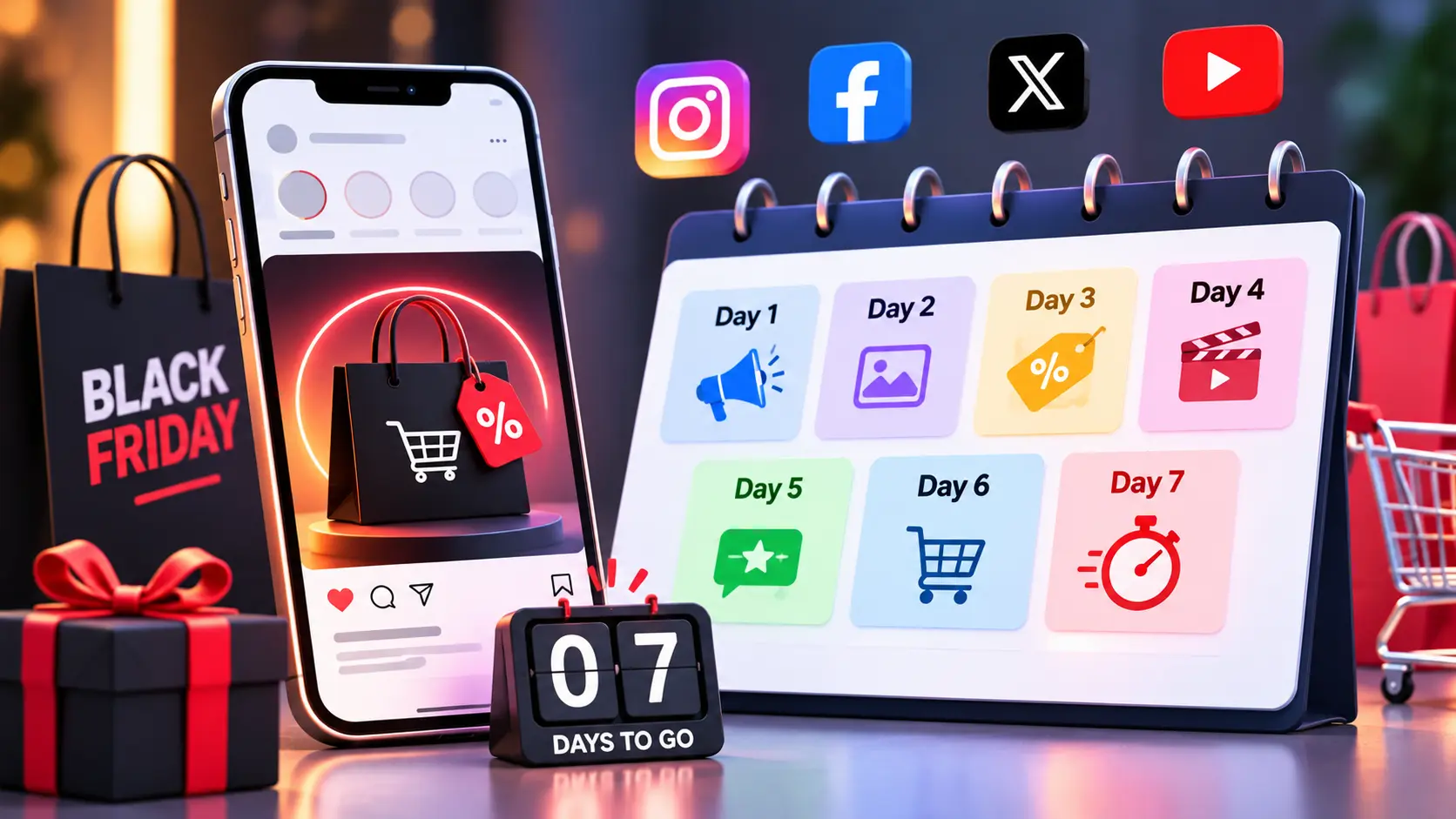

A Black Friday social countdown works when every day has one clear job. Over seven days, you announce the date, show proof, tease the offer in layers, remove buying doubts, reveal the deals, remind people and launch. For 2026, Black Friday is Friday, November 27, so Day 1 is Saturday, November 21. This template gives you the day-by-day plan, countdown story sticker settings, urgency copy that stays honest, cross-platform adaptations and a simple test for separating engagement bait from posts that give people something worth their time.
In this article18 sections
What Is a Black Friday Social Countdown Campaign?#
A Black Friday social countdown campaign is a planned run of daily posts and Stories that builds anticipation toward a sale start time, using a visible deadline, teasers and reminders. Its purpose is to make sure interested followers know the date, trust the offer and are ready to buy when the sale opens, instead of discovering it by accident on the day.
Why Run a Countdown Instead of One Announcement?#
A countdown gives followers several chances to see you, and each post can do a different job. It also gives you a signal before launch: which teaser got saved, which question got replies, who signed up for early access.
The channel matters on sale days. Adobe’s Cyber Monday 2025 report put social media’s share of online revenue at 3.6%, up 56.5% year on year, still small but growing fast. That is U.S. data, so treat it as a trend, not a benchmark for your store.
What Does the 7-Day Template Look Like?#
Each day below pairs one goal with one post idea. Adjust the dates if your sale starts earlier.
| Day | Date (2026) | Goal | Post idea |
| 1 | Sat, Nov 21 | Announce | Story with a countdown sticker set to the sale start; feed post stating the date and what to expect |
| 2 | Sun, Nov 22 | Build trust | Behind-the-scenes: packing orders, stock prep, team |
| 3 | Mon, Nov 23 | Give value | Gift guide, shopping checklist or “how to get the most from the sale” carousel |
| 4 | Tue, Nov 24 | Add proof | Customer reviews, unboxing clips or user-generated photos; early-access signup |
| 5 | Wed, Nov 25 | Tease | Sneak peek of two or three hero products, discount depth still partly hidden |
| 6 | Thu, Nov 26 | Remove doubt | FAQ Story: shipping times, returns, payment options, how to claim the offer |
| 7 | Fri, Nov 27 | Launch | Live-now post, hourly Stories, link in bio and pinned post |
Thursday is Thanksgiving in the U.S., so keep Day 6 light and useful if that is your audience. For Cyber Monday on November 30, plan a Day 8 to 10 bridge: weekend highlights, best sellers, a final-hours reminder.
Search Savvy’s Diwali Instagram content calendar and social media content calendar template are useful starting points for the planning grid.
How Do Countdown Story Stickers Work?#
The Instagram countdown sticker is a Stories feature that shows a live timer to a date and time you choose and lets viewers set a reminder for when it ends. Based on Instagram’s behavior as described in several how-to guides, a few rules apply:
- It works in Stories only, not on feed posts.
- You can add one countdown sticker per Story, and you can reuse a saved countdown in later Stories.
- Viewers can tap the sticker to set a reminder, and they can often share the countdown to their own Stories if you enable it.
- Stories last 24 hours, so you need to post fresh Stories across the week.
Name the countdown clearly, such as “Black Friday opens,” and set the end time to your actual sale start in your audience’s time zone. Add a second Story with a link or a question sticker that tells people what the reminder is for. Features change, so confirm the current options in your app before the campaign begins.
How Should You Plan a Teaser Post Sequence?#
Reveal in layers, and make every teaser add one new fact. A sequence that repeats “Sale coming soon!” teaches followers to scroll past you.
- Date and promise. “Our Black Friday sale starts November 27 at 12:00 AM IST.”
- Category. Name which collections are included.
- Hero product. Show the item people are most likely to want.
- Depth of offer. Share the discount range once it is final.
- Access. Explain the early-access list, code or link.
Tie the reveals to your email and messaging plan so the same story runs on every channel. The festive email sequence template for D2C brands is a good companion for that.
How Do You Write Urgency Copy That Stays Honest?#
Honest urgency uses real deadlines, real stock and real prices. This is also a legal point in India. The Central Consumer Protection Authority notified its dark patterns guidelines on November 30, 2023, and false urgency, meaning falsely stating or implying urgency or scarcity to push an immediate purchase, is one of the 13 listed patterns. A Bar & Bench review of enforcement describes a case where a recurring 24-hour countdown timer was treated as false urgency, with the position that urgency claims must be backed by current, verifiable evidence. Brands selling elsewhere should check local advertising and consumer rules too. This is not legal advice.
| Weaker copy | Stronger, honest copy |
| “Hurry, almost gone!” | “Only 40 units of this bundle in stock” (if true) |
| “Sale ends soon” | “Ends Monday, November 30 at 11:59 PM IST” |
| “Don’t miss out!!!” | “Early-access list gets the link 1 hour before the sale opens” |
| Timer that resets daily | One timer tied to the real start or end time |
Practical rules: never restart a timer to manufacture pressure, never claim scarcity you cannot prove, and keep the offer terms in the post itself. Clear deadlines convert well because they give people a reason to act without tricking them.
How Do You Handle Cross-Platform Countdown Posting?#
Cross-platform countdown posting means running the same story with formats adapted for each channel, not pasting one image everywhere. Keep the message and dates identical, and change the format.
| Channel | Best use in the countdown |
| Instagram Stories | Countdown sticker, polls, FAQs, link to the landing page |
| Instagram Reels and feed | Teasers, product demos, gift guides, reviews |
| Facebook Page | Event-style announcements, longer captions, customer questions |
| Email and WhatsApp (if you have opt-ins) | Early access, launch alerts, final-hours reminders |
Create one master asset set per day, then resize and recut it. Schedule posts in your audience’s time zone, and keep a single source of truth for the offer so a price or code change updates everywhere. Search Savvy’s guide to UGC campaigns for small brands can supply the customer content for Day 4.
Engagement Bait vs Value Posts: Where Is the Line?#
Engagement bait asks for likes, comments, tags or shares as a trick to boost reach. A value post gives people something useful and invites a genuine response. Meta’s engagement bait guidelines are part of how Facebook decides what to show less. Search Engine Journal’s summary of the original announcement lists five forms: vote baiting, react baiting, share baiting, tag baiting and comment baiting. Meta said at the time that posts asking for help, advice or recommendations would not be affected.
| Bait | Value alternative |
| “Comment YES for the code” | “Early-access list is open. Link in bio.” |
| “Tag 3 friends to win” | “Which category should we show first? Vote in the poll sticker.” |
| “Like if you love sales” | A gift guide that saves the shopper an hour |
| “Share to unlock a discount” | A clear offer open to everyone |
The test: would the post still be useful if nobody liked it? If yes, it is probably value. Contest rules also vary by platform and country, so read each platform’s promotion terms before running giveaways.
What Should You Measure?#
Track actions linked to buying, not just applause: link clicks, saves, replies to question stickers, early-access signups, and sales from tagged links. Compare countdown Stories with your normal Stories, and note which teaser drove the most signups. Instagram sends a notification when someone sets a reminder for your countdown, but according to one guide there is no other way to see who set it, so do not rely on that number alone. Search Savvy’s Instagram algorithm tips for 2026 explain which engagement signals matter.
Common Mistakes to Avoid#
- Starting too late. Three days is a reminder, not a countdown.
- Posting teasers with no new information. Each post needs a reason to exist.
- Fake scarcity. It risks legal trouble and customer trust.
- Forgetting the reminder step. A countdown sticker with no explanation wastes the feature.
- Ignoring the post-launch week. Plan Cyber Monday content now.
- Setting the wrong time zone. A sticker that ends at the wrong hour breaks trust at the key moment.
Frequently Asked Questions#
How early should I start a Black Friday countdown?#
Seven days is a good default for most brands, starting around November 21 for the 2026 sale. Larger brands may start earlier with softer teasers.
Can I add a countdown sticker to an Instagram feed post?#
No. The countdown sticker is a Stories feature. Use feed posts and Reels to tease, and Stories for the live timer and reminders.
What is engagement bait on social media?#
It is content that pushes people to like, comment, tag or share without a genuine reason. Meta groups it into vote, react, share, tag and comment baiting and shows such content less on Facebook.
How do I write urgency copy without sounding pushy?#
State the real deadline, the real stock level and the real benefit. Avoid vague pressure like “hurry” and never run timers that reset.
Should I post the same content on every platform?#
Keep the message and dates the same, but adapt the format. Stories, Reels, Facebook posts and emails each need their own cut.
How many posts should I publish per day?#
One strong feed or Reel post plus a few Stories is enough for most brands. Quality and clarity matter more than volume.
What to Do Next#
Pick your sale start time, build the Day 1 Story with the countdown sticker and write your seven daily goals on one page. Then draft the teasers so that each one reveals something new. If you want help turning the template into a full creative calendar, Search Savvy’s content calendar and creative production services can support the planning and production work.