


XML Sitemap – two words that represent one of the simplest, most impactful, and most frequently mishandled technical SEO tasks available to any website owner. A Semrush analysis of 50,000 domains found that approximately 31% had at least one sitemap-related issue – meaning nearly one in three businesses is quietly making their most important pages harder for Google to find, crawl, and index. At Search Savvy, a sitemap audit is one of the first checks we run on any new client site, because sitemap errors tend to compound silently: you don’t notice them in your traffic data until significant ranking potential has already been lost.
This guide explains exactly what an XML sitemap is, why it still matters in 2026, how to create one, how to submit it to Google Search Console in three simple steps, and the critical best practices that separate a well-optimised sitemap from one that’s actually creating problems.
What Is an XML Sitemap?
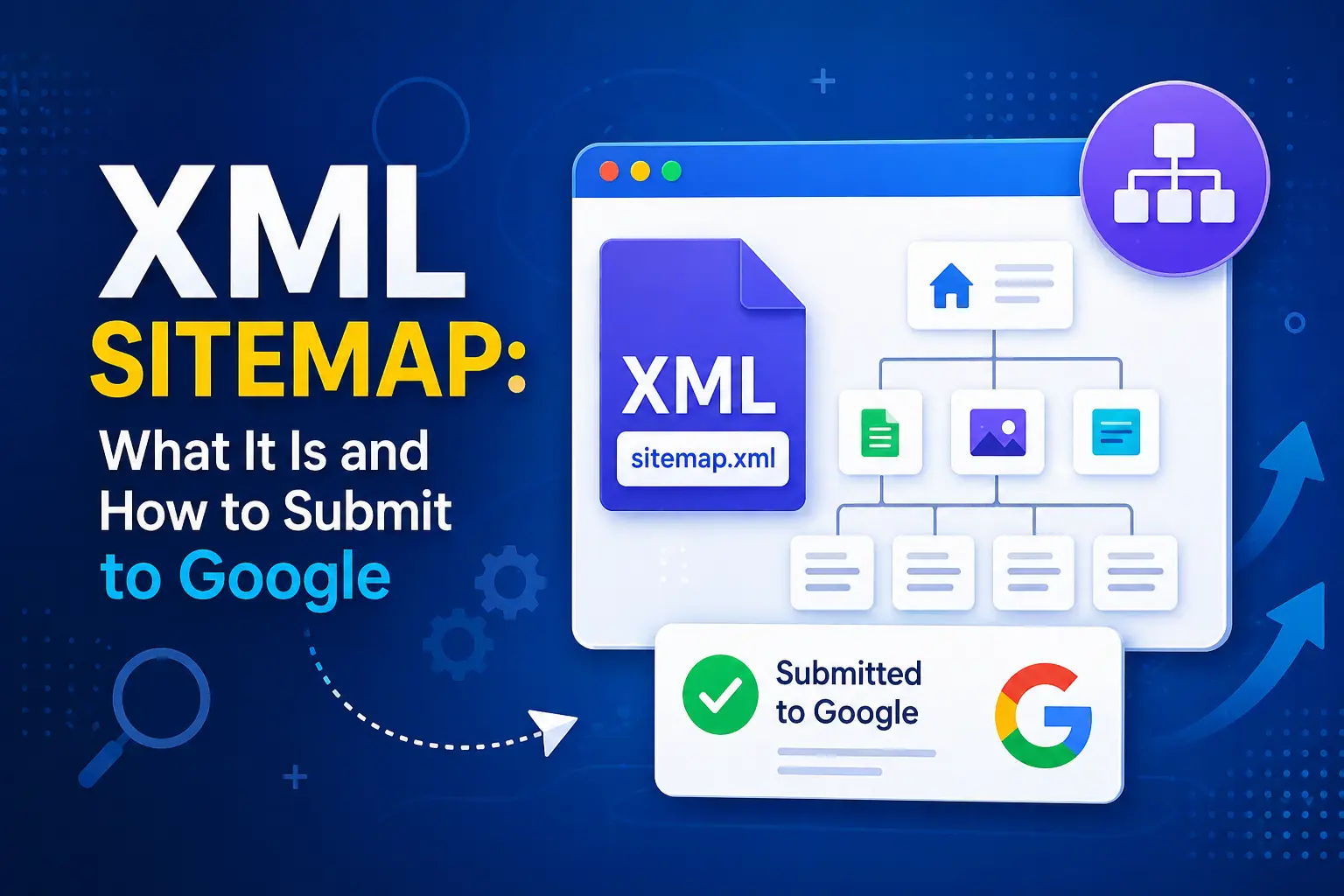
XML Sitemap is a file written in Extensible Markup Language (XML) format that provides search engines with a structured list of all the important URLs on your website. Think of it as a roadmap – a curated directory that tells Google exactly which pages exist on your site, when they were last updated, and how they relate to each other.
The “XML” simply refers to the file format. A basic XML sitemap looks like this:
<?xml version=”1.0″ encoding=”UTF-8″?>
<urlset xmlns=”http://www.sitemaps.org/schemas/sitemap/0.9″>
<url>
<loc>https://www.yourwebsite.com/about/</loc>
<lastmod>2026-04-01</lastmod>
</url>
<url>
<loc>https://www.yourwebsite.com/services/seo/</loc>
<lastmod>2026-03-15</lastmod>
</url>
</urlset>
Each <url> block represents one page. The <loc> tag contains the page’s full URL. The <lastmod> tag tells Google when the page was last meaningfully updated – a value Google uses directly to assess content freshness when it’s consistently and verifiably accurate.
XML Sitemaps are not the only sitemap format (RSS and Atom feeds work too), but they are the most versatile and universally recommended. Using Google’s supported XML extensions, you can also provide additional information about your images, videos, news content, and localised page versions – making a single sitemap file a comprehensive signal about your entire content library.
Why Does an XML Sitemap Still Matter in 2026?
XML Sitemap importance hasn’t diminished in 2026 – if anything, it’s grown. Here’s why:
1. AI search engines also use sitemaps. In 2026, AI-powered search platforms beyond Google – including Bing (which powers Microsoft Copilot), and to varying degrees Perplexity and other retrieval-based AI engines – rely on sitemap data to efficiently discover and process web content. Submitting to Bing Webmaster Tools in addition to Google Search Console means your sitemap is working across multiple AI search pipelines simultaneously.
2. Google uses sitemaps when internal linking is weak. Google’s official guidance is clear: if your site is properly internally linked, it can usually discover most pages naturally. But a sitemap provides a crucial safety net for pages that are buried deep in your site architecture, recently published, or not yet linked from any other page. Without a submitted sitemap, these pages can go undiscovered for weeks – or indefinitely.
3. New content gets indexed faster. XML Sitemaps with accurate <lastmod> dates signal to Google which pages have been recently updated. Pages with a freshly updated lastmod value are prioritised for re-crawling – meaning your content updates reach the index faster. For AI search visibility specifically, content updated within the past 90 days is significantly more likely to be cited than outdated pages.
4. Crawl budget is real for larger sites. XML Sitemaps help search engines allocate their crawl budget more efficiently – spending crawler resources on the pages that matter most, rather than wandering through parameter variations, session IDs, and internal search result pages that should never be indexed.
How Do You Create an XML Sitemap?
XML Sitemap creation depends on your platform. For most websites, it’s fully automated:
WordPress
XML Sitemaps are generated automatically by the most popular SEO plugins:
- Yoast SEO – generates a sitemap index automatically upon installation. Find it at yourdomain.com/sitemap_index.xml.
- Rank Math – similarly automatic, with more granular control over which post types and taxonomies to include.
- All in One SEO – generates a complete sitemap with customisation options.
You don’t need to write code. Install the plugin, enable sitemaps in its settings, and the sitemap is created and continuously updated as you publish, update, or delete content.
Shopify
Shopify automatically generates a sitemap at yourdomain.com/sitemap.xml. No action required on your part – Shopify handles sitemap maintenance automatically as your product inventory and content change.
Wix
Wix generates your sitemap automatically and submits it to Google during site setup. You can verify it in your Google Search Console Sitemaps report.
Custom or non-CMS sites
For custom-built websites or platforms without built-in sitemap generation:
- Use Screaming Frog SEO Spider to crawl your site and export a correctly formatted XML sitemap
- Use XML-Sitemaps.com for smaller sites (free up to 500 URLs)
- Ask your development team to implement server-side sitemap generation that updates dynamically as content changes
At Search Savvy, we strongly recommend automated sitemap generation over manually maintained sitemap files. A manually maintained XML sitemap that isn’t updated when pages are added, removed, or changed is worse than a well-managed auto-generated one – it creates false signals that Google quickly learns to distrust.
How Do You Submit an XML Sitemap to Google? (3 Steps)
XML Sitemap submission to Google is one of the fastest, most impactful technical SEO tasks you can complete. It takes under two minutes.
Step 1: Find Your Sitemap URL
XML Sitemap URLs follow predictable patterns depending on your platform:
- WordPress (Yoast): https://yourdomain.com/sitemap_index.xml
- WordPress (Rank Math): https://yourdomain.com/sitemap_index.xml
- Shopify: https://yourdomain.com/sitemap.xml
- Most other platforms: https://yourdomain.com/sitemap.xml
Test your URL by pasting it directly into your browser. If you see a structured XML document (or a list of URLs), the file is accessible. If you see a 404 error, your sitemap hasn’t been generated or is at a different path.
Step 2: Submit in Google Search Console
- Go to search.google.com/search-console and sign in
- Select your property (ensure your site is verified – see the previous guide on GSC setup)
- In the left sidebar, click Indexing → Sitemaps
- In the “Add a new sitemap” field, enter your sitemap URL – just the path portion (e.g., sitemap_index.xml) or the full URL depending on which your GSC property type requires
- Click “Submit”
Google will begin processing your sitemap within hours to a few days. The Sitemaps report will show:
- Success – Google successfully read and processed your sitemap ✅
- Couldn’t fetch – Google tried to access your sitemap but failed (see troubleshooting below)
- Has errors – Your sitemap was accessed but contains formatting or URL errors
Step 3: Reference Your Sitemap in Robots.txt
XML Sitemap discovery is reinforced by adding a reference to it in your robots.txt file. This tells Googlebot and other crawlers where to find your sitemap automatically – even before you submit it manually:
User-agent: *
Disallow: /wp-admin/
Sitemap: https://www.yourdomain.com/sitemap_index.xml
Place this line at the end of your robots.txt file. Every crawler that reads your robots.txt file will now automatically discover your sitemap. This also means that if you ever update your sitemap URL, updating your robots.txt ensures crawlers always find the current version.
What Are the XML Sitemap Best Practices in 2026?
XML Sitemap quality matters as much as having one. These are the rules that separate a clean, efficient sitemap from one creating confusion:
Include only the URLs you want indexed
XML Sitemaps are a signal to Google: “These are the pages I want in your search results.” Every URL in your sitemap should be a page you genuinely want indexed and ranked. Exclude:
- Pages with noindex tags (a page can’t be both noindexed and in your sitemap – contradictory signals)
- Redirect pages (301 redirects – include only the destination URL)
- Duplicate content pages (only include the canonical version)
- Low-value pages (admin, thank-you pages, login pages, internal search results)
- Pages with tracking parameters (?utm_source=email – use clean canonical URLs only)
A healthy XML sitemap for a well-maintained site typically shows 80–95% of submitted URLs getting indexed. If your ratio is significantly lower, you have a content quality or canonicalisation problem worth investigating.
Keep <lastmod> accurate – or leave it out
Google uses the <lastmod> date value if it’s consistently and verifiably accurate. If it matches the page’s actual last-modified date, Google prioritises those pages for re-crawling. But if your CMS auto-updates <lastmod> every time anything changes on the site (including site-wide CSS or plugin updates) without any actual content change, Google quickly learns to ignore it. In that case, it’s better to remove <lastmod> entirely rather than provide misleading freshness signals.
Ignore <priority> and <changefreq>
Google officially ignores these two XML sitemap tags. Setting <priority> values for different pages and <changefreq> indicators is wasted effort – Google’s own crawling decisions are based on its own quality and freshness assessments, not these fields. Remove them from your template to keep your sitemap file lean and focused.
Stay within Google’s size limits
- Maximum 50,000 URLs per sitemap file
- Maximum 50MB per sitemap file (uncompressed)
If your site exceeds these limits, split your sitemap into multiple files by content type (e.g., a posts sitemap, a products sitemap, a pages sitemap) and create a sitemap index file that references all individual sitemaps. Submit just the index file URL to Google Search Console:
<?xml version=”1.0″ encoding=”UTF-8″?>
<sitemapindex xmlns=”http://www.sitemaps.org/schemas/sitemap/0.9″>
<sitemap>
<loc>https://www.yoursite.com/sitemap-posts.xml</loc>
<lastmod>2026-04-01</lastmod>
</sitemap>
<sitemap>
<loc>https://www.yoursite.com/sitemap-pages.xml</loc>
<lastmod>2026-04-01</lastmod>
</sitemap>
</sitemapindex>
Submit to Bing Webmaster Tools too
XML Sitemap submission to Bing Webmaster Tools takes 60 seconds and significantly expands your sitemap’s value. Bing powers Microsoft Copilot, and its index is also used by several AI retrieval pipelines. Submitting there ensures your content is discoverable across every major search platform, not just Google.
How Do You Troubleshoot XML Sitemap Errors in Google Search Console?
XML Sitemap errors show up in the Sitemaps report within Google Search Console. Here are the most common errors and exactly how to resolve them:
| Error | Cause | Fix |
| Couldn’t fetch | Server blocking access, incorrect URL, or file permissions | Verify the sitemap URL loads in a browser; check robots.txt isn’t blocking /sitemap.xml; confirm server permissions allow public access |
| Has errors | Invalid XML formatting, missing required tags, or special characters | Validate your sitemap at xml-sitemaps.com; escape special characters (& → &, < → <) |
| URLs not indexed | Content quality issues, noindex conflicts, or canonicalization problems | Use GSC’s URL Inspection Tool on affected URLs; check for conflicting noindex tags; verify canonical URLs match sitemap URLs |
| Sitemap too large | More than 50,000 URLs or 50MB in a single file | Split into multiple sitemap files and create a sitemap index file |
People Also Ask: XML Sitemap Questions
Does having an XML sitemap guarantee Google will index your pages?
No. Google treats your XML sitemap as a strong hint, not a command. According to Google Search Central, a URL in a sitemap is not guaranteed to be crawled or indexed – indexing decisions are still based on content quality, crawl budget, and Google’s overall assessment of page value. A sitemap improves discovery efficiency and crawl prioritisation, but the pages themselves must be high-quality to be indexed.
How often should you update your XML sitemap?
Your XML sitemap should update automatically every time you publish, update, or delete a page – which is exactly what modern CMS plugins like Yoast SEO and Rank Math do. You do not need to manually resubmit to Google Search Console after each update. Google re-crawls submitted sitemaps on its own schedule. However, after a major site restructure, URL change, or migration, manually removing and resubmitting your sitemap in GSC helps Google process the changes faster.
Should you include every page on your website in the XML sitemap?
No. Your XML sitemap should be curated, not exhaustive. Only include canonical URLs you want indexed. Exclude pages with noindex tags, redirect pages, low-value pages, and parameter-based URL variations. A smaller, high-quality sitemap that reflects your best content is more effective than a bloated sitemap filled with pages you’d rather Google not rank.
Frequently Asked Questions (FAQ)
Q1: What is the difference between an XML sitemap and an HTML sitemap? An XML sitemap is a machine-readable file designed for search engine crawlers – its sole purpose is to help Google and other search engines discover and understand your site’s URL structure. An HTML sitemap is a human-readable page on your website that helps visitors navigate your content. Both can coexist – the XML sitemap serves SEO purposes; the HTML sitemap serves UX purposes. Most sites benefit from having both.
Q2: Do small websites need an XML sitemap? Yes – but for different reasons than large sites. Small sites benefit from sitemaps because they often have fewer internal links, meaning some pages may not be easily discoverable through natural crawling. A sitemap ensures Google discovers every important page, regardless of how well internally linked the site is. The setup takes under two minutes with a plugin and provides permanent discovery assurance as the site grows.
Q3: How do I find my sitemap URL if I don’t know it? Try these common paths first: yourdomain.com/sitemap.xml and yourdomain.com/sitemap_index.xml. If neither loads a valid sitemap, check your SEO plugin’s settings (Yoast, Rank Math, etc.) for the sitemap URL, or look in your robots.txt file at yourdomain.com/robots.txt – many plugins add a sitemap reference there automatically.
Q4: Can I submit multiple sitemaps in Google Search Console? Yes. You can submit multiple sitemap files to Google Search Console – for example, separate sitemaps for blog posts, pages, products, and images. For large sites with multiple sitemap files, the preferred approach is to create a sitemap index file that references all individual sitemaps and submit just the index. Search Savvy recommends organising large sites by content type: one sitemap per content category makes it easy to monitor indexing performance for each section separately in GSC.
Q5: What does “Success” status mean in Google Search Console after submitting a sitemap? “Success” means Google was able to access and read your sitemap file without errors. It does not mean all URLs in the sitemap have been indexed. Click on your submitted sitemap and select “See page indexing” to see how many of the submitted URLs have actually been indexed versus excluded or erroring. This is the most important follow-up step – the ratio of indexed to discovered URLs tells you whether your sitemap is delivering real indexing value or whether there are underlying content quality issues to address.
Q6: Should I also submit my sitemap to Bing? Yes. Submitting your XML sitemap to Bing Webmaster Tools takes less than two minutes and extends your sitemap’s value across Bing’s search engine and Microsoft Copilot’s AI search features. With AI search platforms increasingly relying on Bing’s index for real-time content retrieval, Bing submission has become meaningfully more valuable in 2026 than it was in previous years.
Final Thoughts
XML Sitemap management is not a glamorous SEO task – but it’s the kind of foundational technical work that makes every other SEO effort more effective. A clean, accurate, well-submitted sitemap means Google can find your best content faster, index your updates sooner, and allocate its crawl resources to the pages that matter most. With 31% of domains carrying sitemap errors, fixing yours puts you ahead of nearly a third of your competitors at zero cost.
The process is straightforward: generate your sitemap automatically through your CMS or SEO plugin, submit it to Google Search Console and Bing Webmaster Tools, reference it in your robots.txt, and check the Sitemaps report monthly to confirm it’s delivering “Success” status and a healthy indexing ratio.
Search Savvy includes XML sitemap auditing, submission, and ongoing monitoring as part of every technical SEO engagement – because the best content in the world doesn’t rank if Google can’t efficiently find and process it.