
Website speed optimization has become the cornerstone of successful online presence in 2026, with Google’s Core Web Vitals continuing to dominate search rankings and user experience expectations reaching all-time highs. At Search Savvy, we’ve witnessed firsthand how a slow-loading WordPress site can devastate conversion rates, with studies showing that a mere one-second delay can reduce customer satisfaction by 16% and page views by 11%. The stakes have never been higher for website owners who want to compete in today’s lightning-fast digital landscape.
Website speed optimization isn’t just about pleasing search engines-it’s about delivering exceptional experiences to your visitors. When users land on your WordPress site, they expect instant gratification. According to recent data from Google’s research, 53% of mobile users abandon sites that take longer than three seconds to load. At Search Savvy, we understand that every millisecond counts, which is why we’ve developed this comprehensive guide to help you transform your sluggish WordPress site into a high-performance powerhouse.
The beauty of WordPress is its flexibility and extensive plugin ecosystem, but this same advantage can become a liability when not managed properly. Website speed optimization requires a strategic approach that balances functionality with performance. Throughout this guide, we’ll walk you through proven techniques that have helped countless websites achieve sub-two-second load times while maintaining full functionality. Whether you’re running an e-commerce store, a blog, or a corporate website, these optimization strategies will give you the competitive edge you need in 2026.
Why Is Website Speed Optimization Critical in 2026?
Website speed optimization has evolved from a nice-to-have feature to an absolute necessity in 2026’s competitive digital ecosystem. Google’s algorithm updates have placed even greater emphasis on user experience metrics, with Core Web Vitals now accounting for a significant portion of ranking factors. Sites that fail to meet these standards face severe penalties in search visibility, regardless of their content quality.
The financial implications of poor website performance are staggering. Research from Portent reveals that e-commerce sites making $100,000 per day could lose $2.5 million annually due to a one-second page delay. These numbers underscore why website speed optimization should be your top priority.
Beyond search rankings and revenue, website speed optimization directly impacts user engagement and brand perception. Fast-loading sites create positive first impressions, reduce bounce rates, and increase the likelihood of users returning. In 2026’s mobile-first world, where 4G and 5G networks are ubiquitous, users have zero tolerance for slow websites.
How Does Website Speed Optimization Work in WordPress?
Website speed optimization in WordPress operates on multiple levels, from server infrastructure to front-end code delivery. Understanding these layers is essential for implementing effective improvements. At its core, speed optimization involves reducing the time it takes for your server to process requests and for browsers to render your content.
The process begins with your hosting environment. Website speed optimization starts with choosing a hosting provider that offers adequate resources, modern infrastructure, and content delivery network (CDN) integration. According to Search Savvy‘s testing, managed WordPress hosting providers like WP Engine and Kinsta consistently deliver superior performance compared to shared hosting solutions.
WordPress-specific optimizations focus on minimizing HTTP requests, compressing files, and implementing efficient caching strategies. Website speed optimization plugins like WP Rocket, W3 Total Cache, and NitroPack automate many of these processes, making it easier for non-technical users to achieve professional-level results.
What Are the Most Important WordPress Speed Optimization Techniques?
Choose High-Performance Hosting
Website speed optimization begins with your foundation-your hosting provider. Shared hosting might seem economical, but it often creates bottlenecks that no amount of optimization can fully overcome. Upgrading to managed WordPress hosting or VPS solutions provides dedicated resources, faster processors, and optimized server configurations specifically designed for WordPress.
Modern hosting solutions in 2026 include built-in caching, automatic backups, and staging environments. Website speed optimization becomes significantly easier when your host handles server-level optimizations automatically. Look for providers offering SSD storage, PHP 8.2 or higher, and HTTP/3 support for maximum performance.
Implement Robust Caching Strategies
Website speed optimization relies heavily on effective caching mechanisms. Caching stores static versions of your pages, reducing the need to generate content dynamically for every visitor. WordPress offers multiple caching layers: page caching, browser caching, object caching, and database caching.
Popular plugins like WP Rocket provide one-click solutions for implementing comprehensive caching strategies. Website speed optimization through caching can reduce server load by up to 80%, dramatically improving response times for returning visitors. Configure your cache to refresh periodically to ensure users see updated content while maintaining speed benefits.
Optimize Images and Media Files
Website speed optimization suffers most from oversized, uncompressed images. In 2026, images still account for approximately 50% of total page weight on average websites. Implementing modern image formats like WebP and AVIF can reduce file sizes by 25-35% without noticeable quality loss.
Tools like Imagify, ShortPixel, and Smush automate image compression in WordPress. Website speed optimization also benefits from lazy loading, which defers loading off-screen images until users scroll to them. WordPress now includes native lazy loading, but plugins offer more advanced control over this feature.
Minify and Combine CSS and JavaScript
Website speed optimization requires streamlining your site’s code. Minification removes unnecessary characters from CSS and JavaScript files, while file combination reduces HTTP requests by merging multiple files into single resources. These techniques can reduce code size by 30-40% and significantly decrease load times.
Plugins like Autoptimize and Asset CleanUp handle code optimization automatically. Website speed optimization through code minification should be tested thoroughly, as aggressive optimization can sometimes break functionality. Always create backups before implementing these changes.
Leverage Content Delivery Networks (CDNs)
Website speed optimization achieves global performance improvements through CDN implementation. CDNs distribute your static content across multiple servers worldwide, ensuring users download files from the nearest geographic location. This reduces latency and improves load times regardless of visitor location.
Services like Cloudflare, BunnyCDN, and StackPath offer free and premium CDN options. Website speed optimization through CDNs is particularly effective for international audiences, potentially reducing load times by 50% or more for distant visitors.
Reduce Plugin Bloat
Website speed optimization often uncovers that excessive plugins are the primary culprit behind slow performance. Each active plugin adds code that must be executed, increasing server processing time. Conduct regular plugin audits to identify and remove unnecessary extensions.
Premium all-in-one plugins can replace multiple single-purpose plugins, reducing overhead. Website speed optimization best practices suggest keeping your plugin count under 20 and choosing well-coded, regularly updated plugins from reputable developers.
Optimize Your Database
Website speed optimization includes regular database maintenance. Over time, WordPress databases accumulate revisions, spam comments, and transient options that bloat table sizes and slow query performance. Plugins like WP-Optimize clean and optimize databases automatically.
Schedule weekly database optimizations to maintain peak performance. Website speed optimization through database management can reduce query times by 20-30%, particularly for sites with extensive content libraries or active user bases.
Implement Advanced Performance Features
Website speed optimization in 2026 benefits from cutting-edge technologies like HTTP/3, server push, and preloading. These features reduce latency and improve perceived performance by anticipating user needs and preparing resources in advance.
Critical CSS extraction and deferring non-essential JavaScript ensure above-the-fold content loads instantly. Website speed optimization experts at Search Savvy recommend implementing these advanced techniques after mastering fundamental optimizations.
How Can You Measure Website Speed Optimization Success?
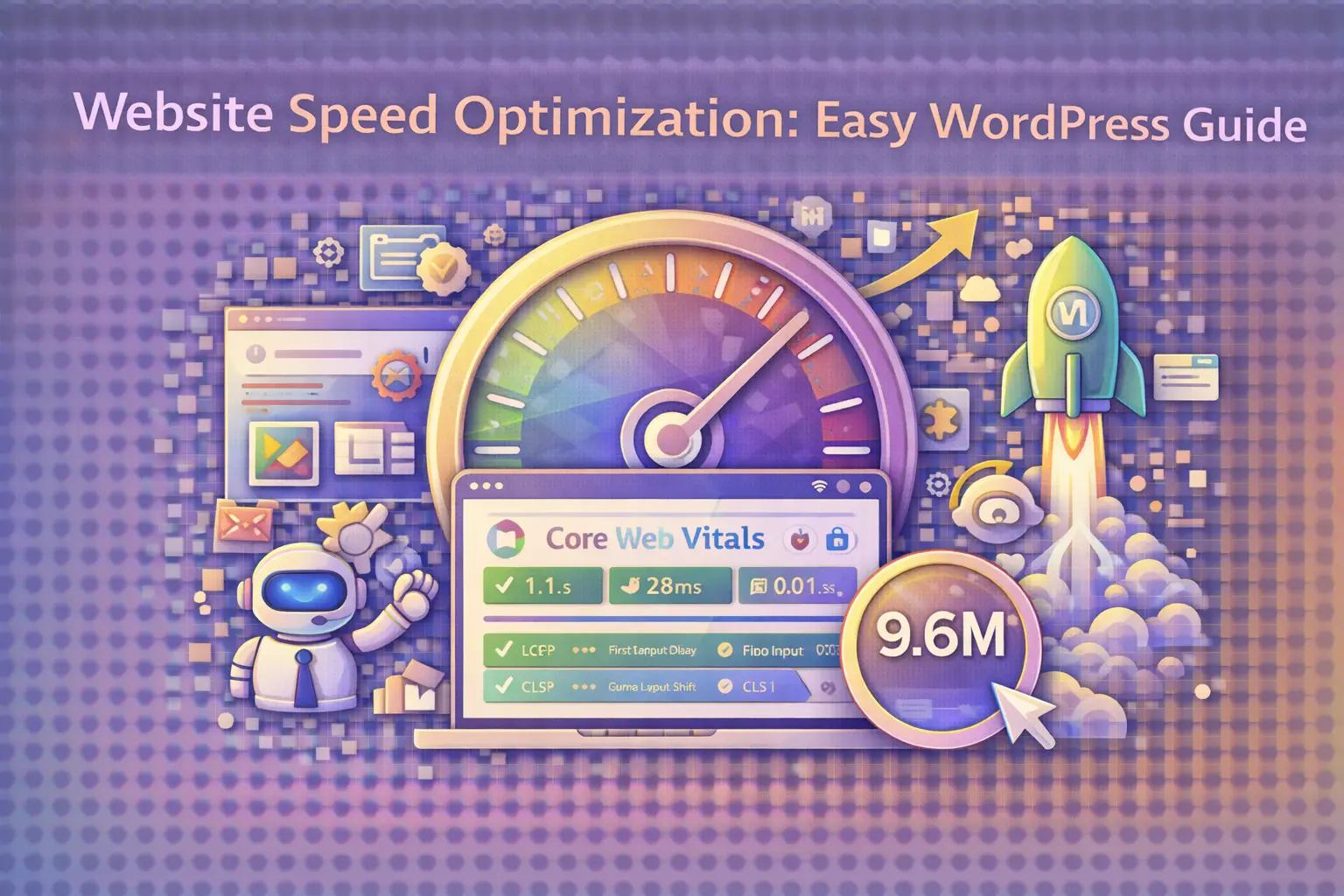
Website speed optimization requires continuous monitoring and measurement. Google’s PageSpeed Insights provides comprehensive performance analysis based on real-world user data and lab testing. Aim for scores above 90 for both mobile and desktop to ensure optimal performance.
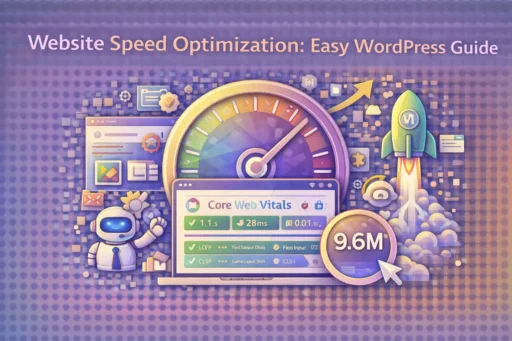
Additional tools like GTmetrix, Pingdom, and WebPageTest offer detailed waterfall charts and performance metrics. Website speed optimization efforts should focus on Core Web Vitals: Largest Contentful Paint (LCP), First Input Delay (FID), and Cumulative Layout Shift (CLS).
Real User Monitoring (RUM) through tools like Google Analytics 4 provides insights into actual user experiences. Website speed optimization success should be measured not just by synthetic tests but by improvements in bounce rates, conversion rates, and user engagement metrics.
People Also Ask About Website Speed Optimization
Q: What is the ideal page load time for WordPress sites in 2026?
Website speed optimization should target page load times under two seconds. Research shows that sites loading within 0-2 seconds have the highest conversion rates, with performance degrading significantly beyond this threshold.
Q: Do WordPress themes affect website speed?
Yes, themes significantly impact website speed optimization. Lightweight themes like GeneratePress, Astra, and Kadence are optimized for performance, while feature-heavy themes can add substantial bloat. Choose themes built with clean code and minimal dependencies.
Q: Can website speed optimization improve SEO rankings?
Absolutely. Website speed optimization directly influences search rankings through Google’s Core Web Vitals algorithm. Faster sites typically rank higher, receive more organic traffic, and provide better user experiences that lead to improved engagement signals.
Q: How often should I perform website speed optimization?
Website speed optimization should be an ongoing process. Conduct comprehensive audits quarterly, with monthly checks on key metrics. After major updates, plugin installations, or content additions, run immediate performance tests to identify potential issues.
Q: Are free WordPress caching plugins effective for speed optimization?
Free caching plugins like W3 Total Cache and WP Super Cache provide solid website speed optimization for basic needs. However, premium plugins like WP Rocket offer more advanced features, better support, and simplified configuration that often justify the investment.
Q: Does website speed optimization affect mobile performance differently?
Website speed optimization is even more critical for mobile devices, which typically have slower processors and less reliable network connections. Mobile-first optimization should prioritize reducing JavaScript execution time, optimizing images, and minimizing render-blocking resources.
Conclusion
Website speed optimization represents one of the most impactful improvements you can make to your WordPress site in 2026. The techniques outlined in this guide-from selecting premium hosting to implementing advanced caching strategies-provide a roadmap for achieving exceptional performance that delights users and satisfies search engines.
Remember that website speed optimization is not a one-time project but an ongoing commitment to excellence. As WordPress evolves, new optimization opportunities emerge, and maintaining peak performance requires staying informed about the latest best practices and technologies. The investments you make in speed optimization pay dividends through improved user satisfaction, higher search rankings, and increased conversions.
At Search Savvy, we’ve seen countless businesses transform their online presence through dedicated website speed optimization efforts. The competitive advantages of a fast-loading site extend far beyond technical metrics-they translate directly into business growth and customer loyalty. Start implementing these strategies today, and you’ll quickly understand why speed optimization is considered the foundation of successful WordPress websites in 2026.