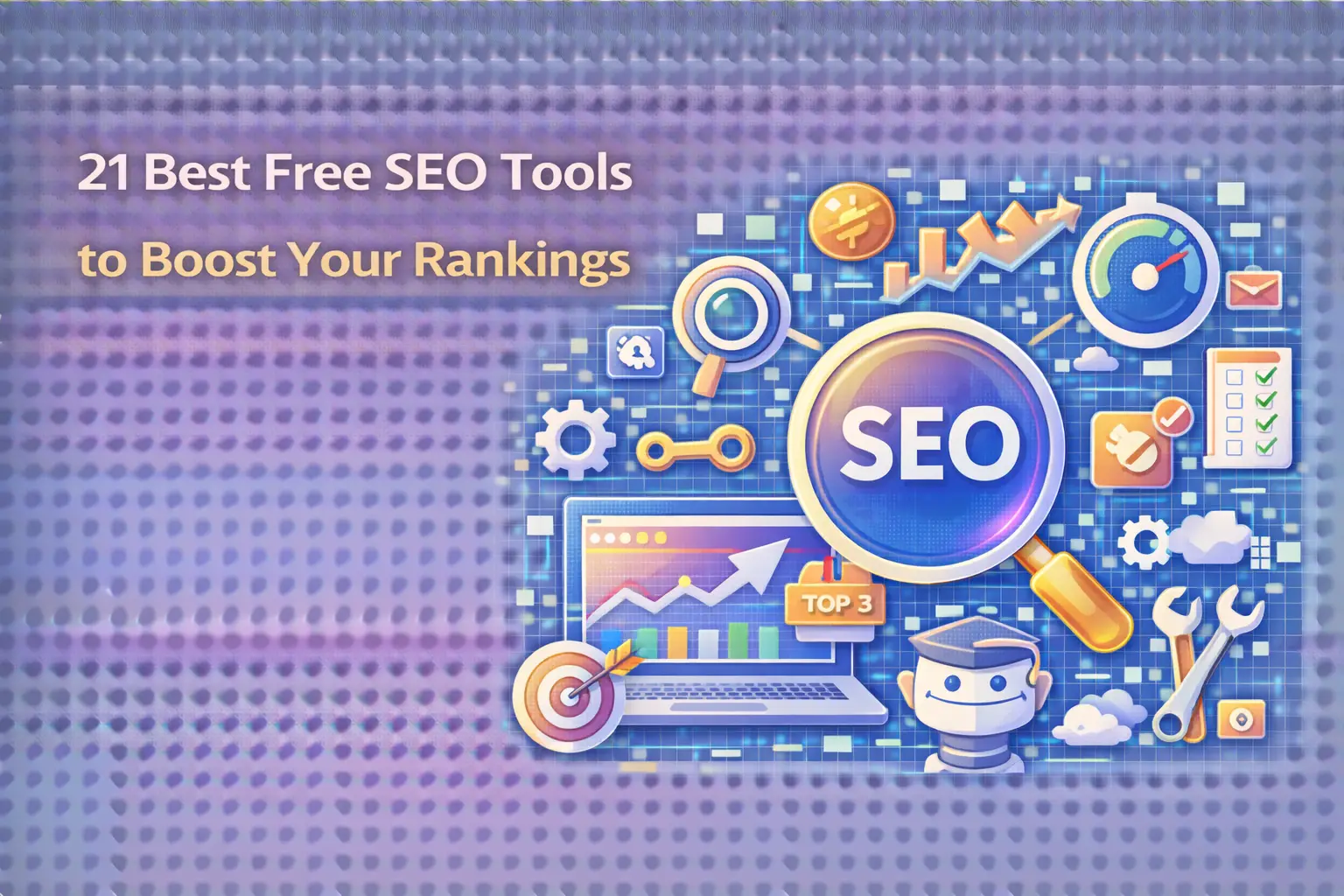

Free SEO tools have become essential for digital marketers, small business owners, and content creators looking to improve their online visibility without breaking the bank. At Search Savvy, we understand that not every business has the budget for premium SEO software, which is why we’ve compiled this comprehensive guide to the best free tools available in 2025. Whether you’re just starting your SEO journey or looking to supplement your existing toolkit, these resources can help you compete effectively in today’s digital landscape.
The landscape of search engine optimization has evolved dramatically, and at Search Savvy, we’ve tested dozens of platforms to identify which free SEO tools deliver real value. This curated list focuses on tools that offer robust features without requiring a credit card, helping you analyze your website, research keywords, track rankings, and optimize your content for both traditional and AI-powered search engines.
Why Are Free SEO Tools Important in 2025?
Free SEO tools have democratized digital marketing by making professional-grade optimization accessible to businesses of all sizes. In 2025, these tools have become increasingly sophisticated, offering features that were once available only in expensive enterprise software. The rise of AI-driven search platforms like Google’s Search Generative Experience (SGE) and ChatGPT’s search capabilities has made it crucial for businesses to optimize for both traditional and conversational queries.
Search Savvy has observed that small businesses using free SEO tools strategically can compete effectively against larger competitors with bigger budgets. These tools provide critical insights into keyword opportunities, technical issues, backlink profiles, and content performance-all fundamental aspects of modern SEO success.
How Do Free SEO Tools Work?
Free SEO tools work by accessing publicly available data, leveraging APIs from search engines, and analyzing your website’s technical structure to provide actionable insights. Most platforms offer limited versions of their premium services, giving users access to core features while reserving advanced functionality for paid subscribers. These tools crawl your website similarly to how search engine bots do, identifying issues that might prevent your pages from ranking well.
The best free SEO tools combine multiple data sources to give you a comprehensive view of your site’s performance. They track metrics like organic traffic, keyword rankings, domain authority, and backlink quality, presenting this information through intuitive dashboards that make optimization decisions easier.
The 21 Best Free SEO Tools for 2025
1. Google Search Console
Free SEO tools don’t get more essential than Google Search Console. This platform provides direct insights from Google about how your website performs in search results, including which queries trigger your pages, your average position, click-through rates, and technical issues that need attention.
Key Features:
- Performance reports showing clicks, impressions, and CTR
- Index coverage status and crawl error identification
- Mobile usability testing
- Core Web Vitals monitoring
- Manual action notifications
Google Search Console remains the gold standard for understanding how Google sees your website.
2. Google Analytics 4 (GA4)
Free SEO tools for traffic analysis start with Google Analytics 4. While technically a web analytics platform, GA4 provides crucial SEO insights including organic traffic sources, user behavior patterns, conversion tracking, and engagement metrics that help you understand which content resonates with your audience.
Key Features:
- Real-time user tracking
- Audience demographics and interests
- Conversion path analysis
- Event-based tracking system
- Predictive metrics powered by machine learning
Access GA4 at Google Analytics.
3. Bing Webmaster Tools
Free SEO tools shouldn’t ignore Bing’s ecosystem, especially as Microsoft integrates AI-powered search through Copilot. Bing Webmaster Tools offers similar functionality to Google Search Console but for Bing’s search engine, which commands approximately 10% of the search market in 2025.
Key Features:
- SEO reports and recommendations
- Keyword research tools
- Backlink analysis
- Site scan for technical issues
- URL inspection and submission
Visit Bing Webmaster Tools to claim your site.
4. Ubersuggest (Limited Free Version)
Free SEO tools for keyword research include Ubersuggest’s limited free tier, which provides daily search volume data, keyword difficulty scores, and content ideas. Created by Neil Patel, this tool offers three free searches per day without creating an account.
Key Features:
- Keyword suggestions with search volume
- SEO difficulty and paid difficulty scores
- Top-ranking pages for any keyword
- Basic site audit functionality
- Content ideas based on trending topics
5. AnswerThePublic
Free SEO tools that focus on question-based queries include AnswerThePublic, which visualizes search questions and autocomplete phrases around your keywords. This tool is invaluable for optimizing content for voice search and AI-powered platforms that prioritize answering specific questions.
Key Features:
- Question-based keyword clustering
- Preposition and comparison queries
- Visual data representation
- Alphabetical keyword suggestions
- Search trend data
Find it at AnswerThePublic.
6. Screaming Frog SEO Spider (Free for 500 URLs)
Free SEO tools for technical audits include Screaming Frog’s desktop application, which crawls up to 500 URLs without charge. This powerful tool identifies broken links, analyzes page titles and meta descriptions, reviews robots.txt and XML sitemaps, and detects duplicate content.
Key Features:
- Comprehensive site crawling
- Meta data analysis
- Redirect chain identification
- XML sitemap generation
- Integration with Google Analytics and Search Console
Download from Screaming Frog.
7. Google Keyword Planner
Free SEO tools from Google include Keyword Planner, which provides search volume estimates and keyword ideas primarily designed for Google Ads campaigns but equally valuable for organic SEO research. You’ll need a Google Ads account (free to create) to access it.
Key Features:
- Monthly search volume ranges
- Competition level indicators
- Bid estimates for paid search
- Keyword grouping and filtering
- Historical metrics and forecasts
8. MozBar (Browser Extension)
Free SEO tools that work while you browse include MozBar, a Chrome and Firefox extension providing instant SEO metrics for any page you visit. The free version displays Page Authority, Domain Authority, and link metrics without requiring a Moz account.
Key Features:
- On-page element analysis
- Page authority and domain authority scores
- Link metrics overlay
- SERP analysis features
- Custom searches with advanced parameters
9. SEOquake (Browser Extension)
Free SEO tools for competitive analysis include SEOquake, a comprehensive browser extension offering detailed SEO audits, keyword density reports, and SERP overlays showing competitor metrics. This tool provides data from multiple sources including Alexa, Google Index, and social media metrics.
Key Features:
- SEO audit with parameters diagnosis
- Keyword density analysis
- Internal/external link analysis
- Social metrics comparison
- Export data to CSV
10. Google PageSpeed Insights
Free SEO tools focusing on performance include Google PageSpeed Insights, which analyzes your website’s loading speed and Core Web Vitals-critical ranking factors in 2025. This tool provides mobile and desktop performance scores with specific recommendations for improvement.
Key Features:
- Performance scoring (0-100)
- Core Web Vitals assessment
- Field data from real user experiences
- Lab data from simulated testing
- Actionable optimization suggestions
Access it at PageSpeed Insights.
11. Schema Markup Validator
Free SEO tools for structured data include Google’s Schema Markup Validator (formerly Structured Data Testing Tool), which verifies your schema implementation. Proper schema markup helps search engines understand your content and can trigger rich results in search listings.
Key Features:
- Schema validation
- Rich result preview
- Error and warning identification
- Multiple format support (JSON-LD, Microdata, RDFa)
- Example schema templates
12. Yoast SEO (WordPress Plugin)
Free SEO tools for WordPress users include Yoast SEO, the most popular SEO plugin with over 5 million active installations. The free version provides real-time page analysis, readability checks, XML sitemap functionality, and meta tag optimization.
Key Features:
- Content analysis with optimization tips
- Readability assessment
- Automatic XML sitemap generation
- Canonical URL management
- Breadcrumb navigation support
13. Ahrefs Webmaster Tools
Free SEO tools from premium providers include Ahrefs Webmaster Tools, launched to compete with Google Search Console. After verifying your website, you get access to site audits, backlink checking, and organic keyword tracking without paying for Ahrefs’ premium subscription.
Key Features:
- Site audit with 100+ SEO checks
- Backlink profile analysis
- Organic keyword tracking
- SERP position monitoring
- Top-performing pages report
Sign up at Ahrefs Webmaster Tools.
14. Google Trends
Free SEO tools for trend analysis include Google Trends, which shows search interest over time, geographic distribution of queries, and related topics. This tool helps identify seasonal trends, breaking topics, and declining interest in specific keywords.
Key Features:
- Interest over time graphs
- Geographic interest distribution
- Related queries and topics
- YouTube search trends
- Real-time trending searches
15. GTmetrix
Free SEO tools measuring website performance include GTmetrix, which provides detailed performance reports including page load time, total page size, and number of requests. The free tier offers testing from multiple locations and generates actionable recommendations.
Key Features:
- Performance and structure scores
- Waterfall chart visualization
- Video playback of page loading
- Historical performance tracking
- Mobile device testing
16. Google’s Mobile-Friendly Test
Free SEO tools ensuring mobile optimization include Google’s Mobile-Friendly Test, which evaluates how easily visitors can use your page on mobile devices. With mobile-first indexing standard in 2025, this tool identifies critical mobile usability issues.
Key Features:
- Mobile usability assessment
- Screenshot of mobile rendering
- Page loading issues identification
- Mobile-specific recommendations
- Integration with Search Console
17. Keyworddit
Free SEO tools for Reddit-based keyword research include Keyworddit, which extracts keywords from Reddit threads and discussions. This unique approach uncovers question-based queries and conversational language that people actually use when discussing topics.
Key Features:
- Subreddit keyword extraction
- Monthly search volume estimates
- Context from actual discussions
- Long-tail keyword discovery
- CSV export functionality
18. Hemingway Editor
Free SEO tools improving content readability include Hemingway Editor, which analyzes your writing for clarity, passive voice, complex sentences, and grade level. While not strictly an SEO tool, readability directly impacts user engagement and time-on-page metrics.
Key Features:
- Readability grade level scoring
- Sentence complexity highlighting
- Passive voice detection
- Adverb overuse identification
- Alternative word suggestions
19. Hunter.io (Free Tier)
Free SEO tools for link building outreach include Hunter.io’s free tier, offering 25 monthly searches to find email addresses associated with any domain. This facilitates blogger outreach, guest posting opportunities, and digital PR campaigns.
Key Features:
- Domain email pattern detection
- Email verification
- Bulk email finder
- Chrome extension
- Confidence score for each email
20. Canva (Free Version)
Free SEO tools for visual content creation include Canva’s free tier, which helps create optimized images, infographics, and social media graphics. Visual content increases engagement, shareability, and time-on-page-all positive SEO signals.
Key Features:
- Thousands of free templates
- Image editing and optimization
- Brand kit (limited in free version)
- Collaboration features
- Social media scheduling integration
21. SERP Simulator by Portent
Free SEO tools for optimizing meta tags include Portent’s SERP Simulator, which shows how your title tags and meta descriptions will appear in Google search results. This prevents truncation and ensures your listings are compelling and complete.
Key Features:
- Real-time preview generation
- Character count tracking
- Pixel width measurement
- Mobile and desktop views
- Date snippet preview
How Can Free SEO Tools Improve Your Rankings?
Free SEO tools improve your rankings by identifying optimization opportunities, technical issues, and content gaps that you might otherwise miss. At Search Savvy, we’ve seen businesses achieve significant ranking improvements by systematically addressing issues discovered through free tools. These platforms help you understand what’s working, what’s broken, and where your competitors are outperforming you.
The key is using these tools strategically rather than randomly. Start with foundational tools like Google Search Console and Google Analytics to understand your baseline performance. Then layer in keyword research tools to identify opportunities, technical audit tools to fix problems, and content optimization tools to improve quality. This systematic approach compounds over time, leading to sustainable ranking improvements.
What Limitations Should You Expect from Free SEO Tools?
Free SEO tools typically impose limitations on data volume, feature access, and update frequency. You might encounter restrictions on the number of keywords tracked, URLs crawled, or reports generated per day. Historical data is often limited compared to paid versions, and advanced features like competitor analysis or API access usually require upgrading.
However, these limitations rarely prevent effective SEO work for small to medium-sized websites. The free versions of most tools provide sufficient data to identify problems, track progress, and make informed decisions. As your business grows and your SEO needs become more sophisticated, you can selectively invest in paid tools that address specific requirements.
Frequently Asked Questions
Q: Can I rank well using only free SEO tools?
A: Yes, free SEO tools provide all the essential functionality needed to rank well in search engines. Many successful websites have achieved top rankings using exclusively free tools by focusing on quality content, technical optimization, and strategic keyword targeting. The key is consistency and strategic implementation rather than tool cost.
Q: Which free SEO tool should I start with as a beginner?
A: Start with Google Search Console and Google Analytics 4 as your foundation. These tools are completely free, unrestricted, and provide direct insights from Google about your website’s performance. Once you’re comfortable with these, add Google Keyword Planner for keyword research and Screaming Frog for technical audits.
Q: How often should I use free SEO tools to check my website?
A: Check Google Search Console and Google Analytics weekly to monitor performance and identify new issues. Run technical audits monthly using tools like Screaming Frog or Ahrefs Webmaster Tools. Conduct keyword research quarterly to identify new opportunities and adjust your content strategy based on changing search trends.
Q: Are free SEO tools accurate for keyword search volume?
A: Free SEO tools provide estimates rather than exact figures for keyword search volume. Google Keyword Planner offers ranges rather than precise numbers unless you’re running active Google Ads campaigns. However, these estimates are sufficient for identifying high-potential keywords and comparing relative search demand between different terms.
Q: Do free SEO tools work for e-commerce websites?
A: Yes, free SEO tools work excellently for e-commerce websites. Google Search Console, Google Analytics 4, and Screaming Frog are particularly valuable for identifying product page issues, tracking category performance, and optimizing for transactional keywords. Combine these with schema markup validation to ensure your product data appears correctly in search results.
Q: Can free SEO tools help with local SEO?
A: Absolutely. Google Search Console shows local search queries driving traffic, Google Analytics reveals geographic performance, and Google Trends identifies local interest patterns. Additionally, Google Business Profile (formerly Google My Business) is a free tool specifically designed for local SEO, providing insights into how customers find and interact with your local business listing.
Conclusion
Free SEO tools have evolved into powerful platforms capable of supporting comprehensive optimization strategies without requiring significant financial investment. The 21 tools outlined in this guide cover every essential aspect of SEO-from keyword research and technical audits to content optimization and performance monitoring. By leveraging these resources strategically, you can build a robust SEO foundation that drives organic traffic and improves search rankings.
Remember that tools are only as effective as the strategy behind them. Focus on understanding your audience, creating valuable content, and systematically addressing technical issues rather than chasing every metric. Start with the core tools from Google, gradually expand your toolkit based on specific needs, and consistently apply the insights you discover. With patience and persistence, these free resources can deliver results that rival expensive enterprise solutions.